
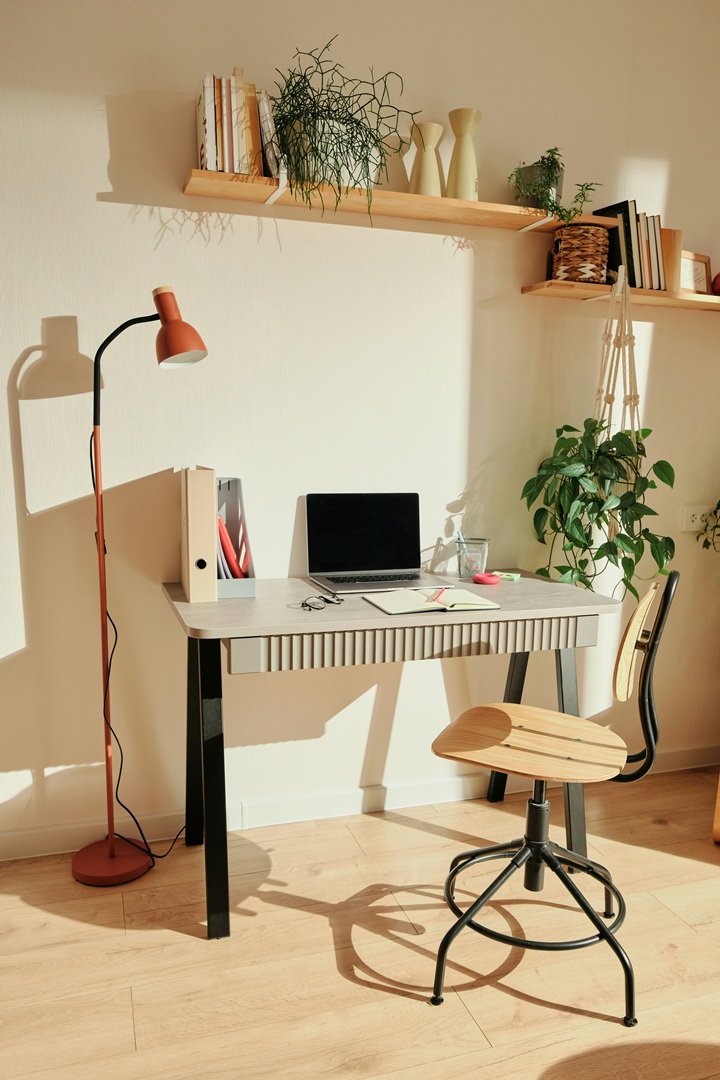
Whether you work remotely full-time, occasionally, in a small corner of the living room, bedroom, or a separate quiet room, proper lighting is essential. The right lighting can improve focus, reduce eye strain, and make you look professional during virtual meetings. Here’s a practical guide for setting up your home office lighting.
5 Key Tips for Home Office Lighting
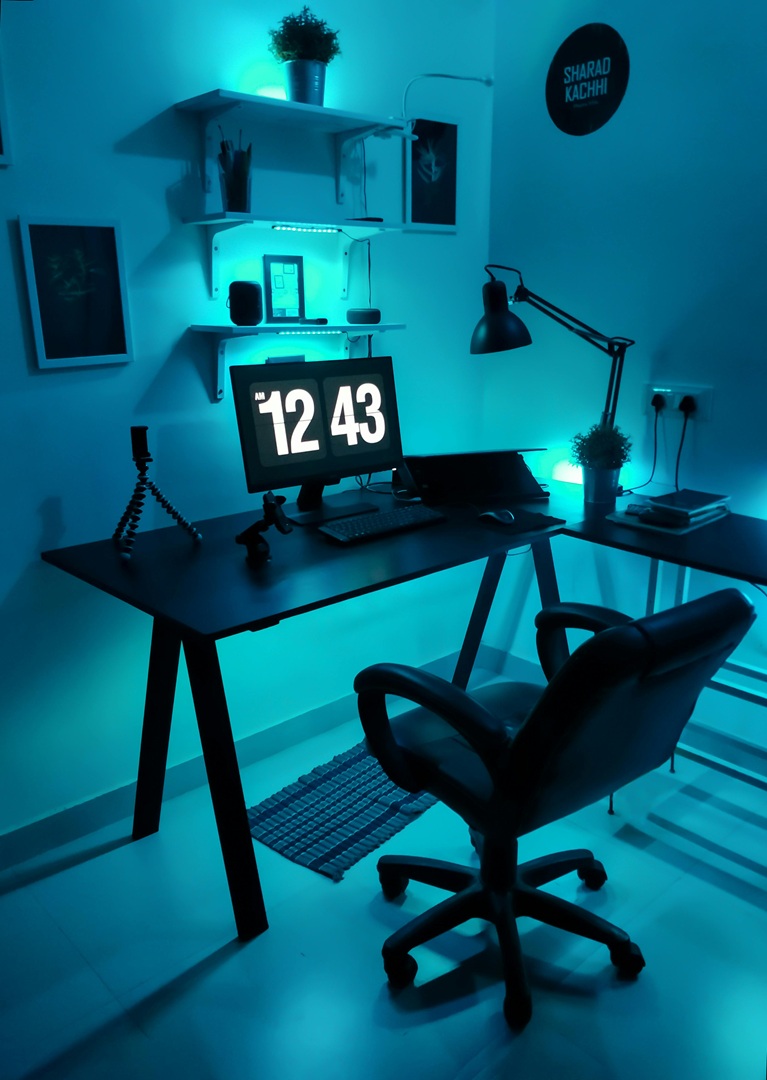
1. Use Indirect Ambient Lighting
-
Avoid harsh overhead lights that can create glare.
-
Use ambient light that spreads evenly across the room, such as sunlight through windows or diffused lamps.
-
Floor lamps or lamps with shades can help reflect light off walls and ceilings, creating soft, even illumination.
-
Goal: Brighten the space without harsh shadows or glare.
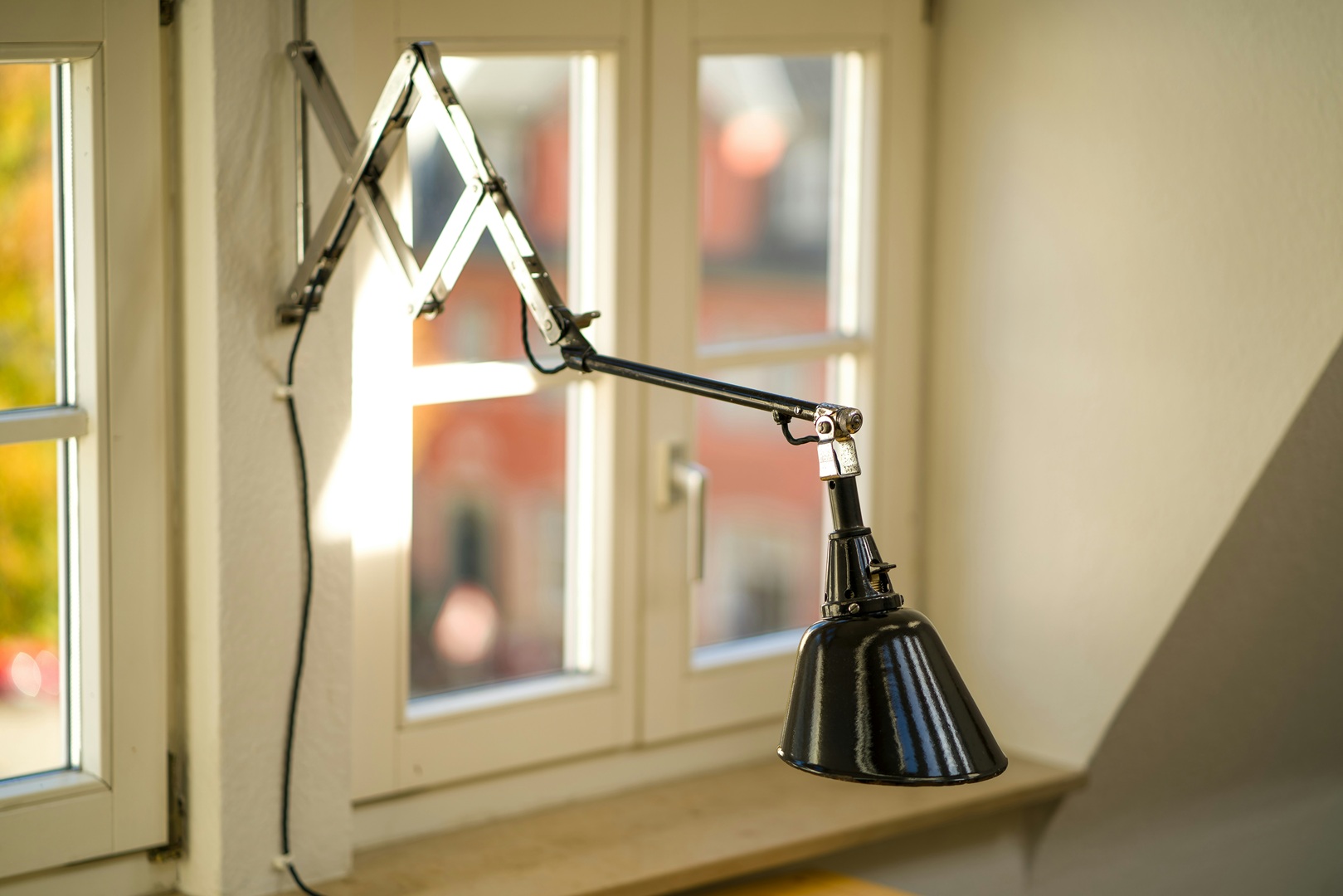
2. Task-Specific Lighting
-
Use adjustable desk lamps focused on your work area.
-
If you have multiple workstations (computer, paperwork, reading area), provide dedicated lighting for each task.
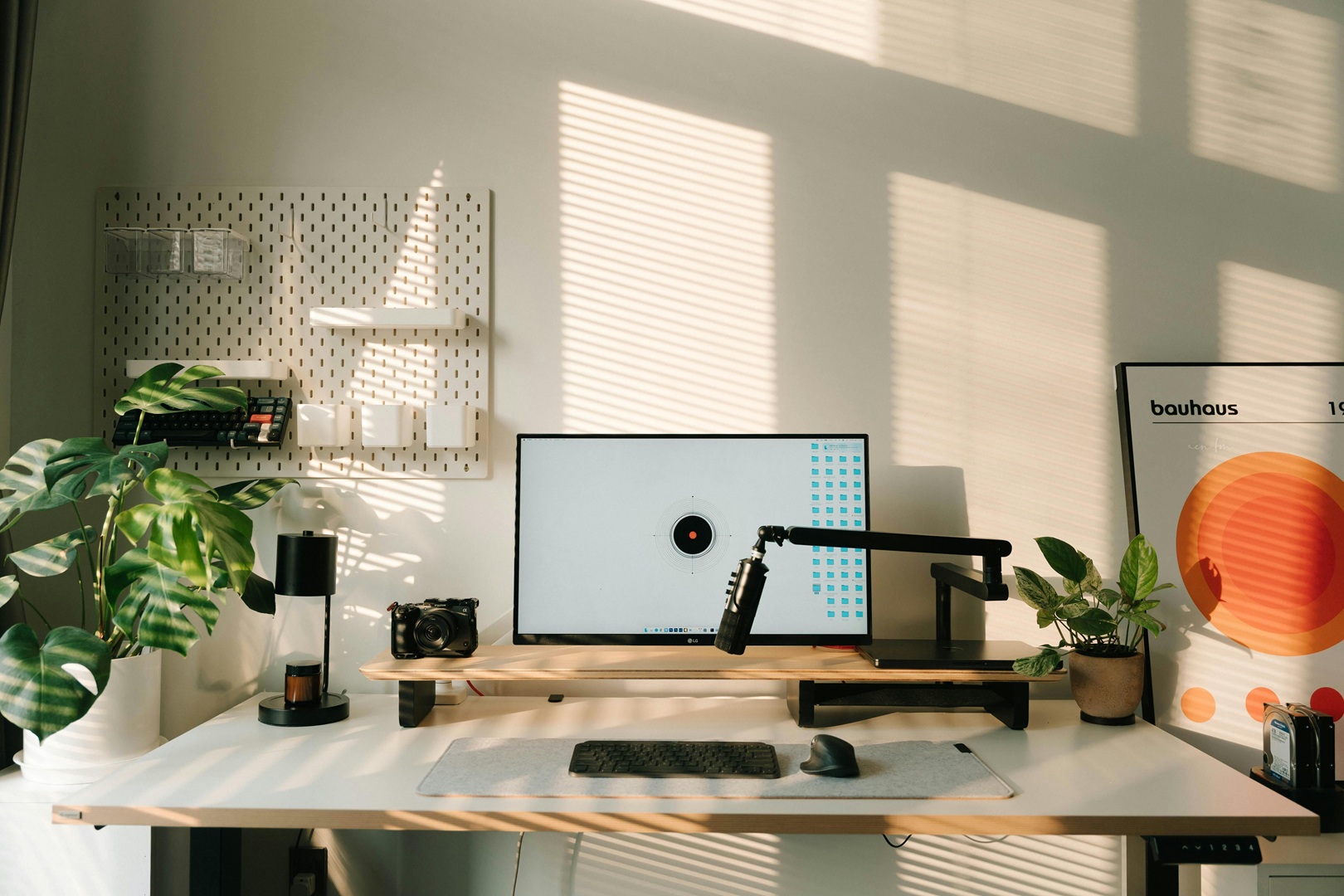
3. Maximize Natural Light
-
Position your desk near a window but avoid direct sunlight hitting your eyes or screen.
-
Ideally, face the window or place it to the side for soft, consistent light.
-
Use blinds, sheer curtains, or screens to diffuse sunlight and reduce glare.
4. Decorative Lighting
-
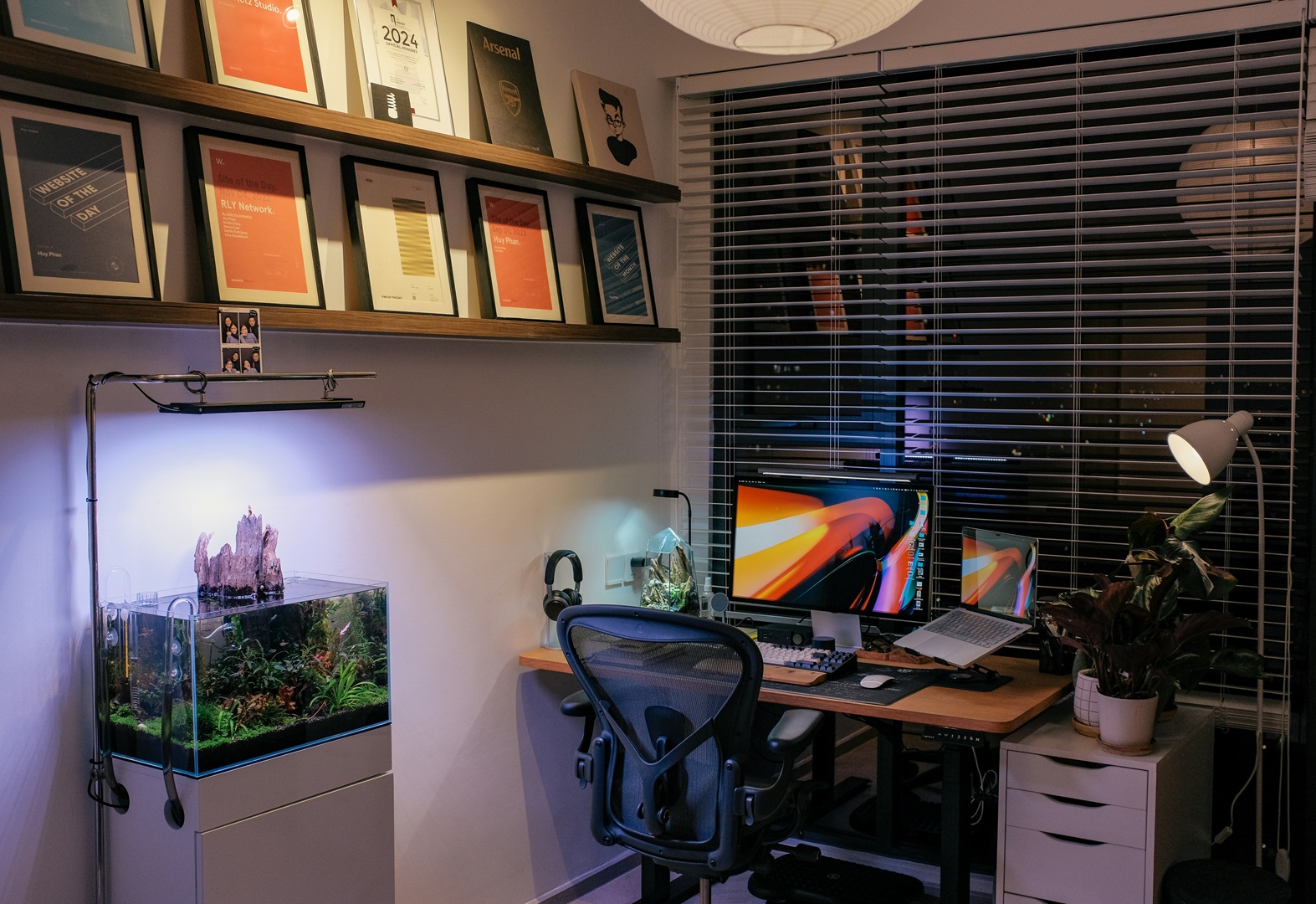
Add aesthetic touches with shelf lights, art spotlights, or wall sconces.
-
Combine ambient, task, and decorative lighting for a well-lit, visually appealing workspace.
5. Avoid Glare and Shadows
-
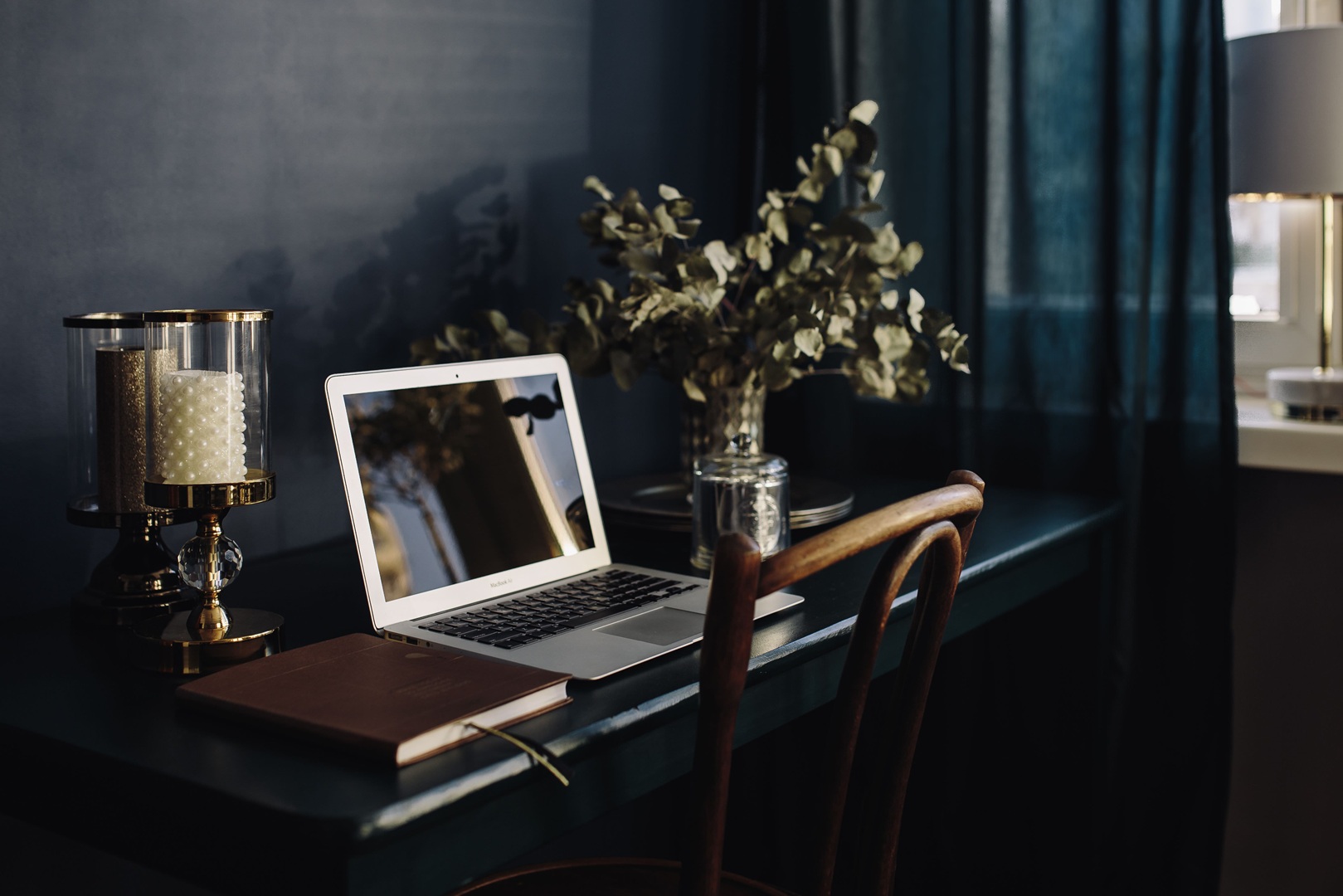
Never place a strong light source directly behind your screen; it creates glare.
-
Position task lights to avoid casting shadows from your hands while writing or typing.
-
Consider the placement of windows and reflective surfaces to reduce unwanted glare.
Best Desk Placement for Lighting
-
Avoid placing your desk against a blank wall with a window behind you — this creates backlighting that makes your face hard to see in video calls.
-
Ideally, position your desk facing the window or at an angle to take advantage of natural light.
-
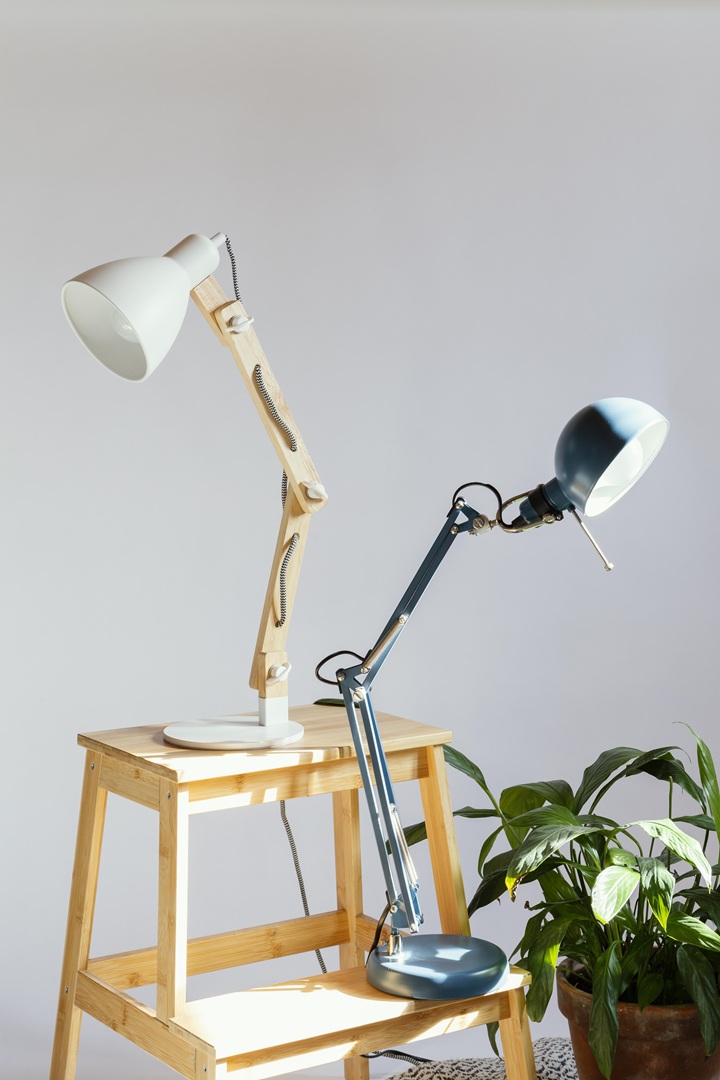
Corner desks near windows are ideal, as light reflects off walls for soft, even illumination.
Choosing the Right Desk Lamps
-
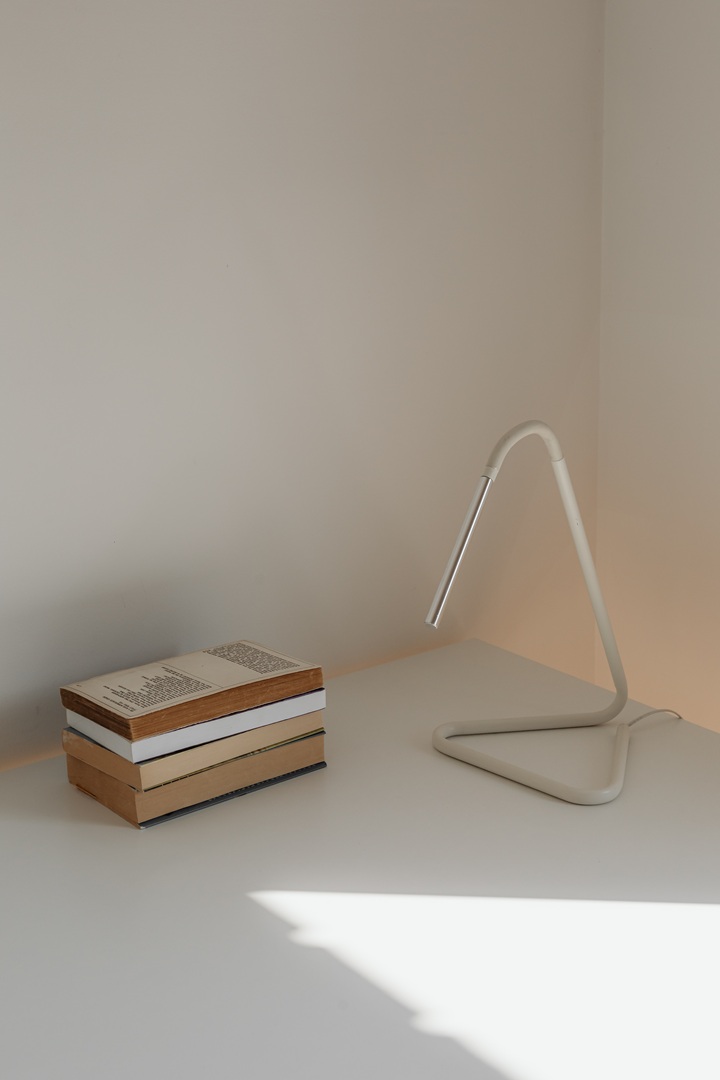
Desk lamps with downward light and metal shades reduce glare.
-
Using two lamps on either side of your desk softens shadows.
-
Overhead lighting can be bright but may strain your eyes; use adjustable lamps behind and above your shoulders to eliminate shadows.
Lighting for Video Calls
-
Avoid desk lamps directly on your work surface, as the light reflects off your screen and creates odd shadows.
-
Instead, place lamps on both sides of your camera, but out of view, to illuminate your face evenly.
-
Add backlighting behind your head/neck for a professional, “Hollywood-style” look.
Additional Tips
-
Use a monitor light bar to improve ambient light on your desk.
-
Adjust color temperature: avoid too much blue light at night to prevent sleep disruption.
-
Aim for soft, warm light that illuminates your workspace without glare.
Post a Comment